Which receivers are compatible?
Apex Room Correction works with Denon and Marantz XT32 receivers.
Is Apex Room Correction made or endorsed by Denon or Marantz?
No. Apex Room Correction is independent software. It is not affiliated with, sponsored by, or endorsed by Denon or Marantz, or their owners. Their names are used only to describe compatibility.
What do I need?
A Windows 10 or 11 (64-bit) PC, or an Apple Silicon Mac with macOS 12.3 or later, on the same network as your receiver, and the measurement mic that came with the receiver. No extra hardware is required. For the Android app: an arm64 Android phone with Android 8.0 or later, on the same Wi-Fi as the receiver.
Does it work on Mac?
Yes, on Apple Silicon Macs (M1 or newer) with macOS 12.3 Monterey or later, on the same network as your receiver. Intel Macs aren't supported yet. The Mac app isn't notarized by Apple yet, so the first time you open it macOS shows a security prompt: go to System Settings > Privacy & Security and click Open Anyway (or right-click the app and choose Open). You only do this once. A license is for one computer, and a Mac has its own Machine Code (on the License tab), so a Windows license doesn't carry over to a Mac; moving from a PC to a Mac is a transfer. See the download page.
Is there an Android version?
Yes. The Android app measures your room, gives you a few options, optimizes the result and transfers it to your Denon or Marantz receiver, like Basic on a computer, right from your phone. It needs an Android phone with a 64-bit (arm64) processor and Android 8.0 or later, and a Denon or Marantz receiver with XT32 on the same Wi-Fi (use the receiver's setup mic). Get it on Google Play, with no license key. The Android app is a separate purchase from the Windows and Mac editions, and the free demo is for Windows and Mac only. See Apex Room Correction for Android.
Is there a subscription?
No. You pay once, and the license is yours to keep.
Which microphone can I use?
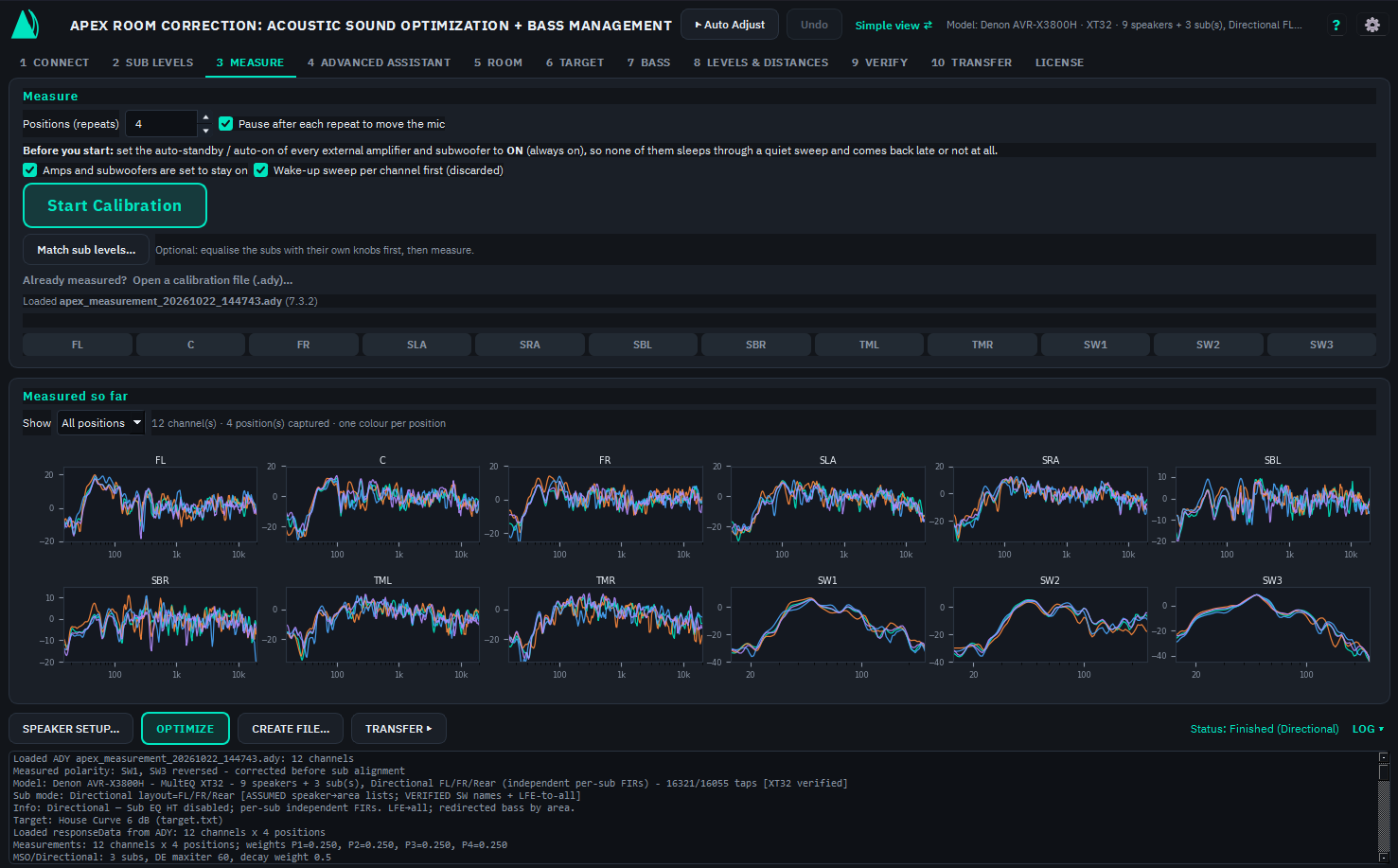
Both editions measure with your receiver's factory mic, and both can import existing receiver calibration files (.ady) and REW (Room EQ Wizard) measurements. Pro can also measure with a USB measurement microphone. Apex plays the sweeps over HDMI as 8 channels; heights, wides and individual subwoofers need the receiver's setup mic.
How many channels does it support?
Speaker layouts from 2.0 up to 13.4 channels, in both editions.
Does Pro include everything in Basic?
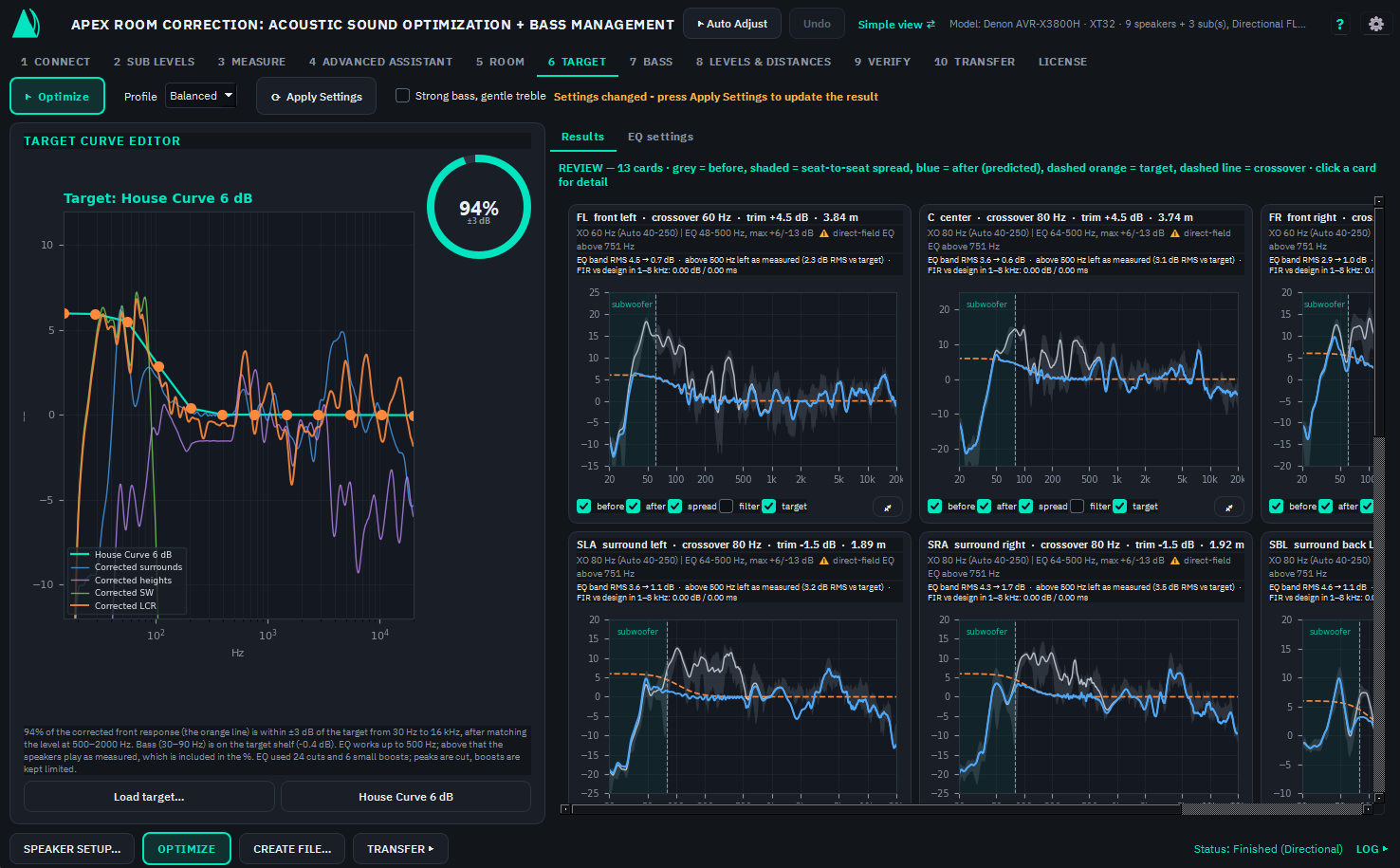
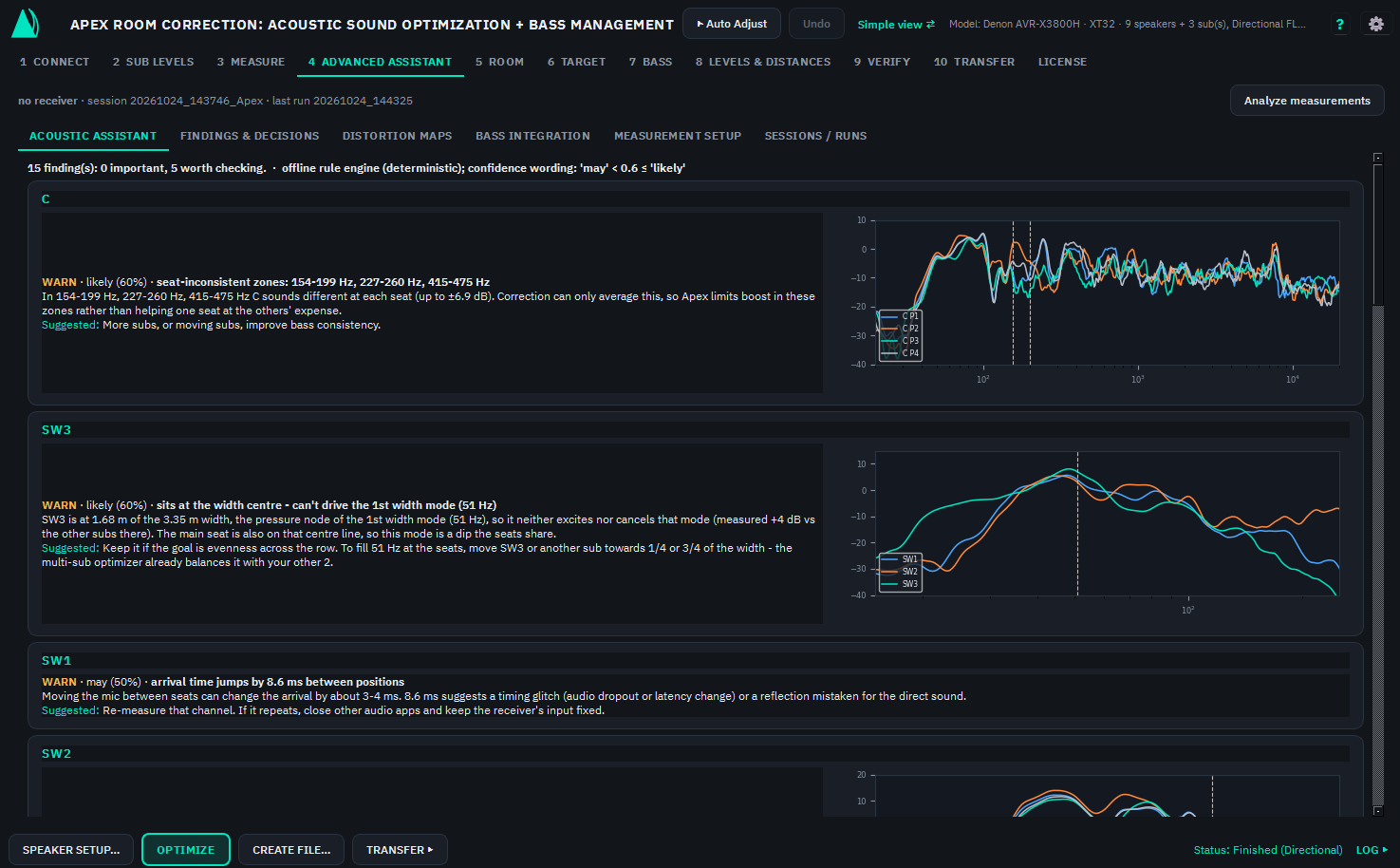
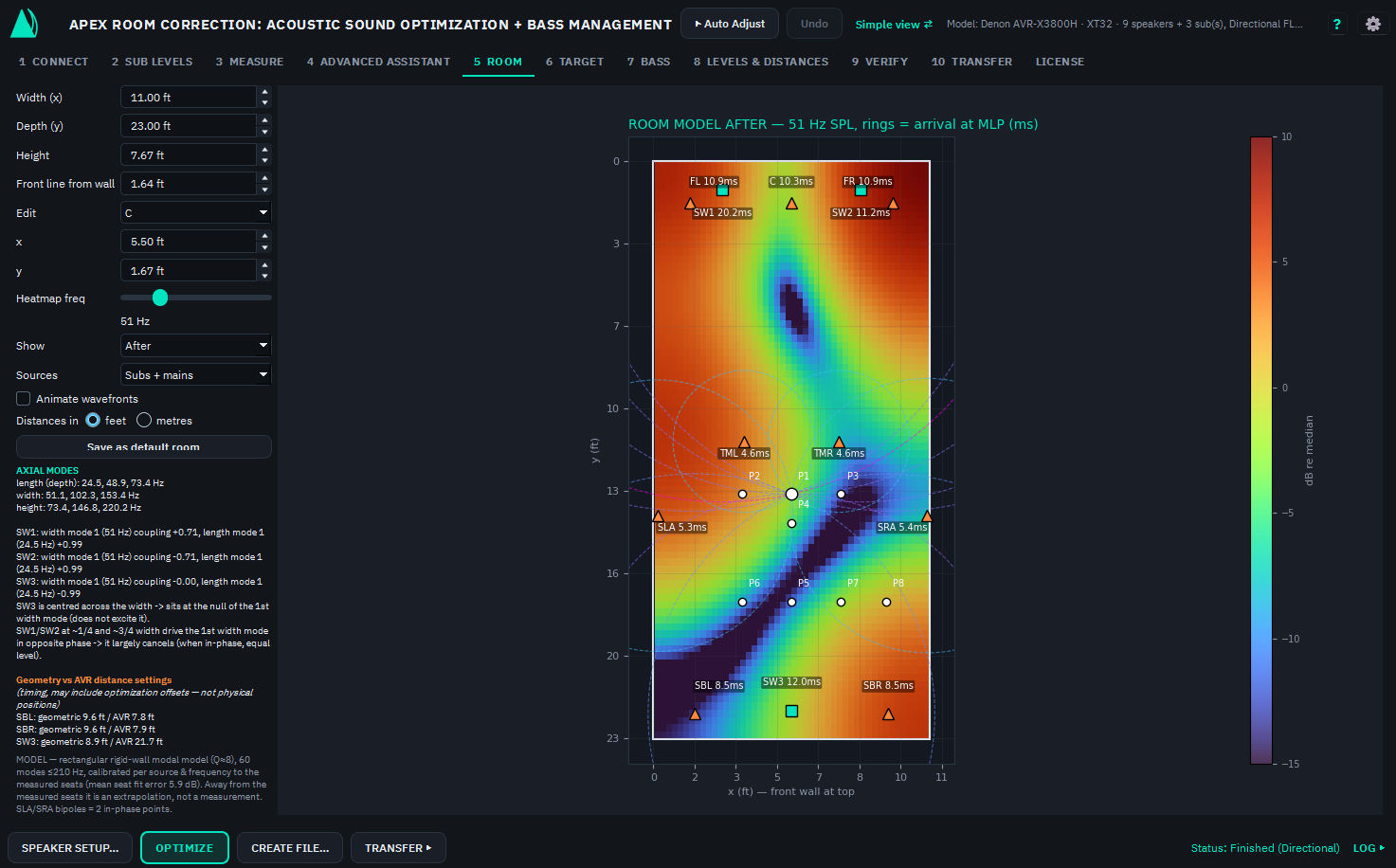
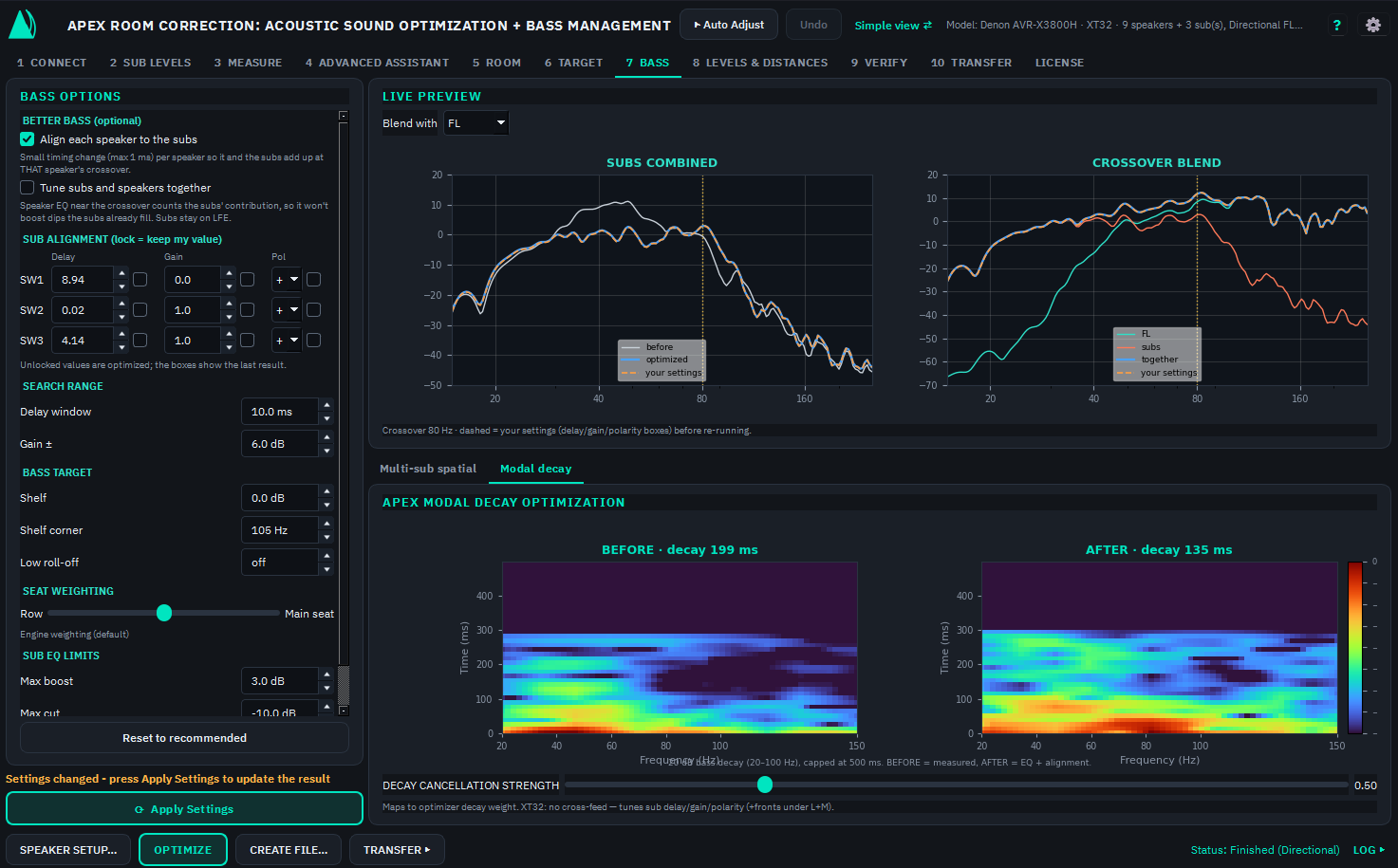
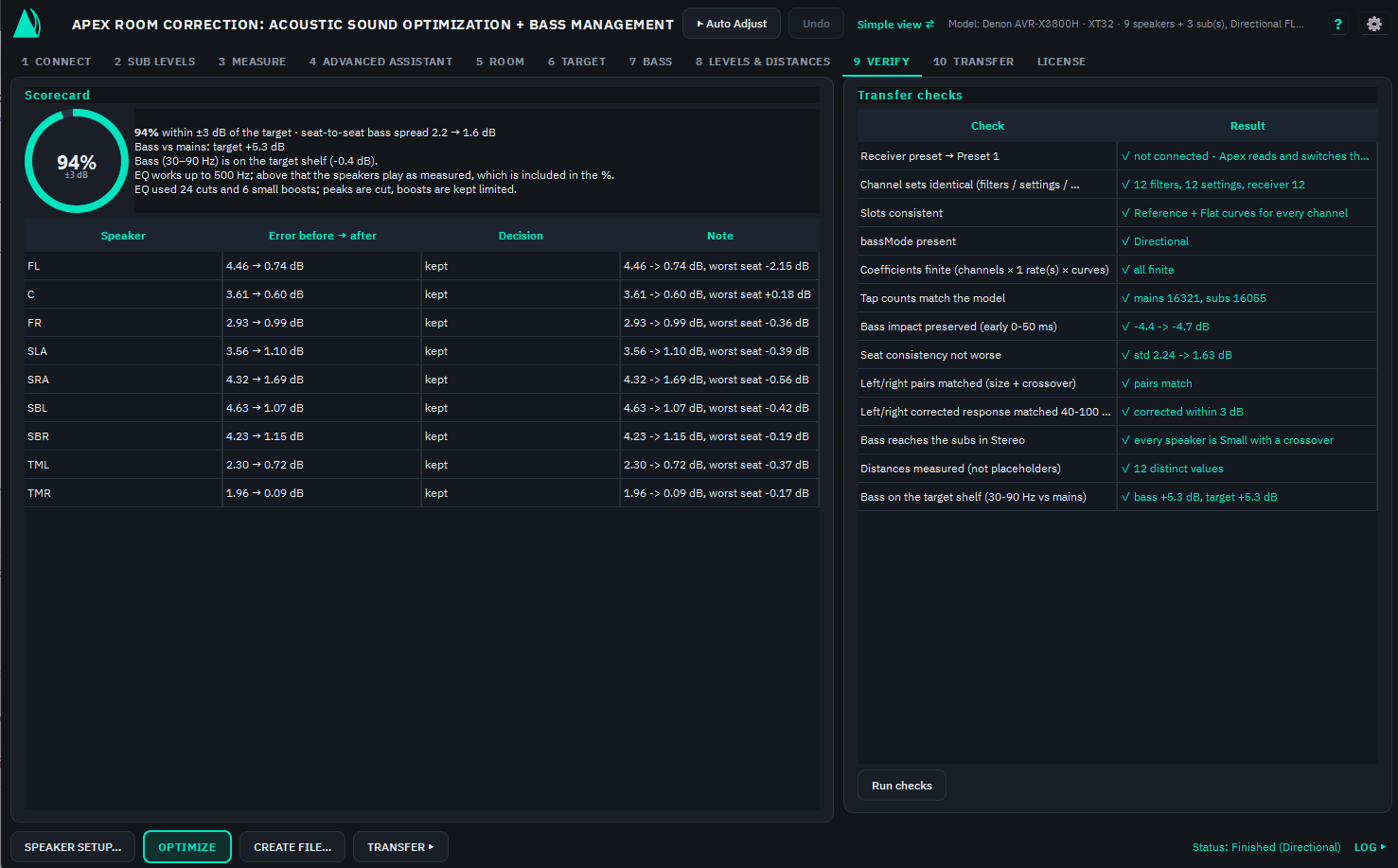
Yes. Pro includes every Basic feature across 10 guided steps instead of 7. It adds the Advanced Assistant (graphs, distortion maps, a bass integration view and multi-sub analysis), a Room step with a room model and heatmap, and a Bass step with per-sub delay, gain and polarity, bass shelf and roll-off, seat weighting, sub EQ limits and a live preview. It also adds Auto Adjust, EQ limits per speaker, setting presets, full session history and USB measurement microphone support.
How does licensing work?
Buy Basic or Pro, then download the installer for Windows or Mac from your confirmation page or order email (one installer covers both editions). Install and open Apex Room Correction on your computer and copy the Machine Code it shows. Paste that code on the confirmation page, or on the activate page with your order ID and email, to get a license file that unlocks your edition on that computer. You get it on screen and by email. After that the license is checked entirely offline, so you don't need an account and the app never has to go online to check it.
Can I try it before buying?
Yes. Download the free demo, no email or account needed. Without a license, the app runs the full guided Basic workflow on your own system, so you can see your measurements, findings, Target graph and score, with no time limit. Sending filters to the receiver, saving and exporting need a license, and Pro features are shown greyed out. When you buy, activate your license in the app you already installed, on the same computer: it unlocks right away, with no reinstall. Windows 10/11 PC or Apple Silicon Mac (macOS 12.3 or later) required, on the same network as your receiver.
I'm moving to a new computer.
Contact support with your order ID and the new computer's Machine Code (PC or Mac), and we'll re-issue your license. You get up to 2 transfers per 12 months.
Can I upgrade from Basic to Pro later?
Yes. Upgrade any time for $50.00 USD (launch pricing, regularly $79.00). Enter your original order ID, email and Machine Code, and you'll get a Pro license file.
Which payment methods do you accept?
Checkout is handled by Stripe. Orders are sold through Link (Stripe's checkout service), which acts as the reseller: it adds any applicable sales tax, VAT or GST and emails your receipt. You can pay with Link, major credit and debit cards, Apple Pay, Google Pay and local methods where available. Prices are in USD, and checkout shows your local currency. Your card statement will read LINK.COM*.
Do you offer refunds?
Because it's a digital download that's delivered right away, all sales are final, except where a refund is required by law or by the buyer policy of our reseller, Link (Stripe). Please check the system requirements and compatibility before you buy. If you have trouble installing, activating or connecting to your receiver, contact support and we'll help you get it working. Details are in our refund policy.
I lost my license.
Enter your purchase email on the lost license page and we'll email your license again. If you haven't activated yet, we'll resend your download and activation links instead.